Complete classroom pack — £79 · one teacher
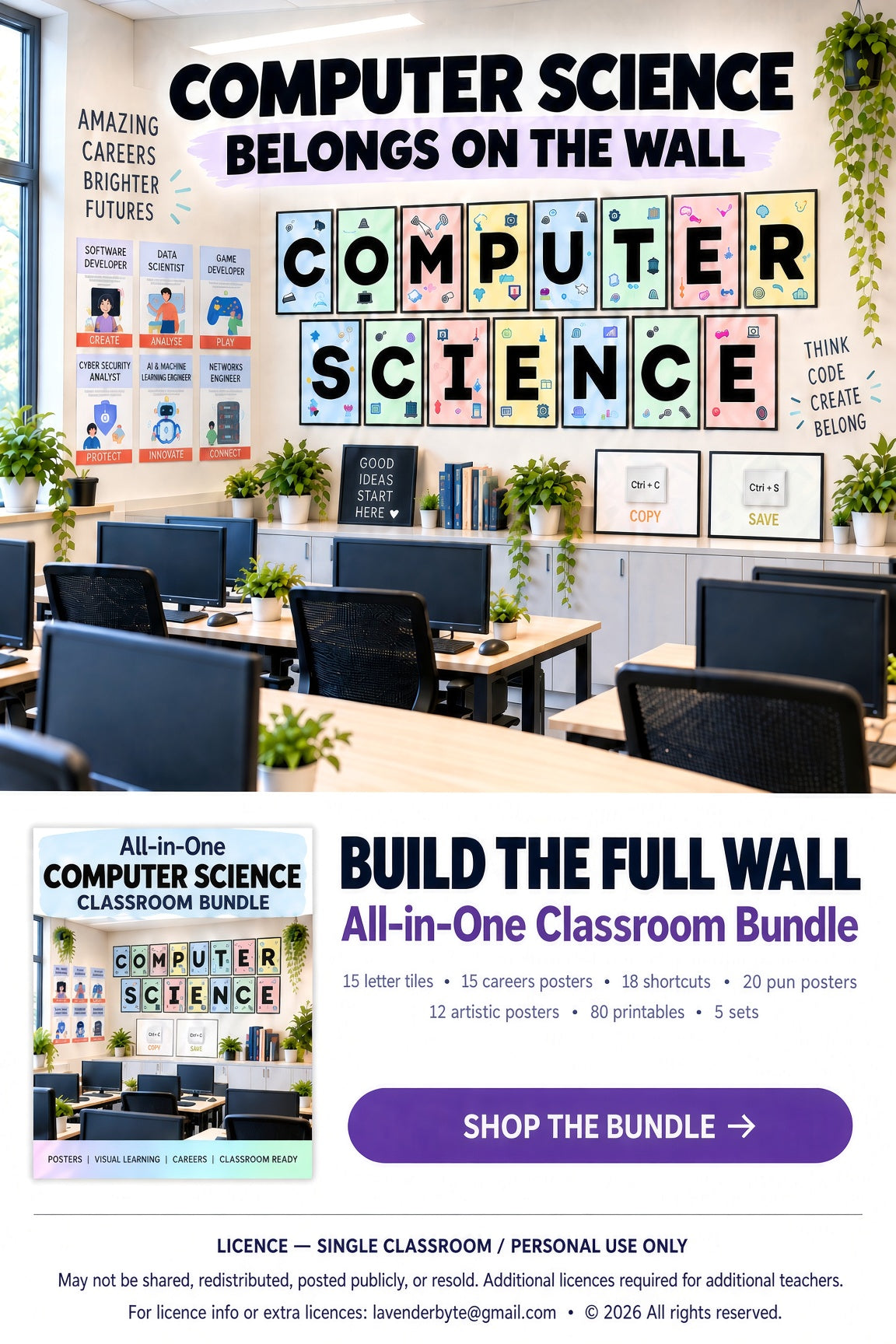
All-in-One classroom bundle — £29
School classroom pack — £149 · one school
Lavenderbyte
Couldn't load pickup availability
Printable Computer Lab Classroom Decor | Computing, ICT & Computer Science Resource
Help students work more confidently and independently with this set of 18 printable Keyboard Shortcuts posters.
Want the whole display? Explore our All-in-One Classroom Bundle, from £29.
Designed as quick-reference classroom visuals, these posters give students useful keyboard shortcuts they can check while working on computers.
They are ideal for displaying near workstations, on computer lab walls or as part of a Computing or Computer Science classroom display.
Format: Digital printable classroom posters supplied as high-quality landscape JPEG files.
Theme: Keyboard shortcuts, Computing, Computer Science, ICT, digital skills and computer literacy.
Use: Ideal for computer labs, Computing classrooms, ICT rooms, Computer Science displays and workstation reference posters.
Audience: KS2, KS3 and secondary students, Computing teachers, ICT teachers and Computer Science classrooms.
Print the posters:
Colours may vary slightly depending on your screen, printer and paper.
Digital product only. No physical item will be shipped.
Files are supplied in A4 landscape format.
For single-teacher classroom use.
You may print and display the posters in the classrooms you personally teach in.
Digital files may not be shared with other teachers, uploaded publicly, resold or redistributed.
All designs © Lavenderbyte.
18 practical Keyboard Shortcuts posters designed to make computer skills easier to access at a glance.